 puh.gg
Sections: about me, projects, gallery and more
Add content below your card: about me, free text, projects, a photo gallery, games, anime, movies or music.
Widgets & sections → Sections
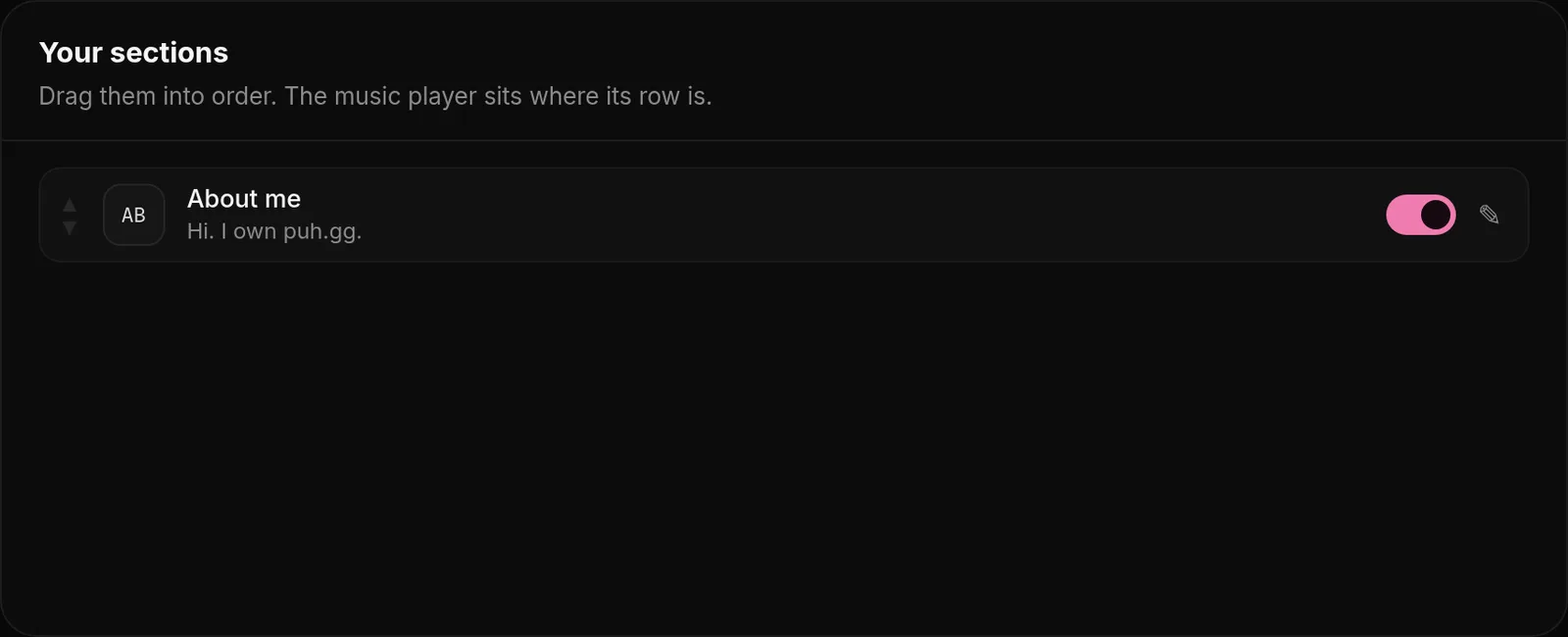
Open Widgets & sections and add up to 8 sections under Add a section. Drag them into order under Your sections.
| Section | For |
|---|---|
| About | A longer introduction and skills like Design, React, Video editing. |
| Text | Anything: a short story, your setup, rules for your server. |
| Projects | Things you made, with a picture, text and link. |
| Gallery | Your photos, as a grid or a slideshow. |
| Games, Anime, Movies, Music | Covers of what you like, with ratings and years. |
| Widgets, Music player | Put your widgets or your player at a spot in the list. |
Where sections show
Widgets & sections → Sections
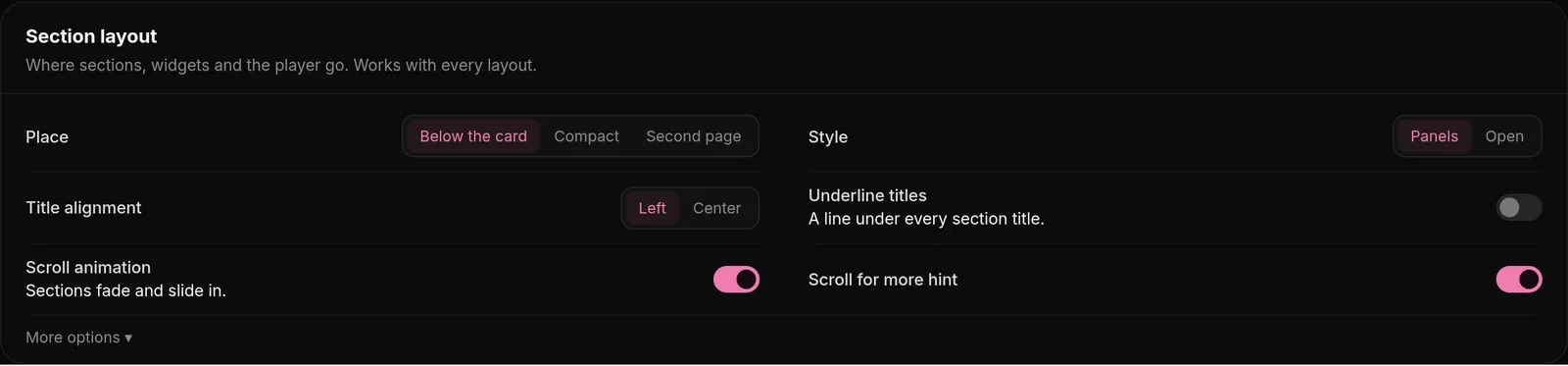
Under Section layout pick whether sections sit below your card, compact next to it, or on a second page visitors reach by scrolling. A Scroll for more hint can show on the first screen.
Section images can be up to 4 MB.
Was this helpful?Updated Oct 22, 2026