 puh.gg
Cursor, scrollbar and click sound
Give visitors your own cursor, a styled scrollbar and a sound on every click.
Custom cursor
Effects → Cursor
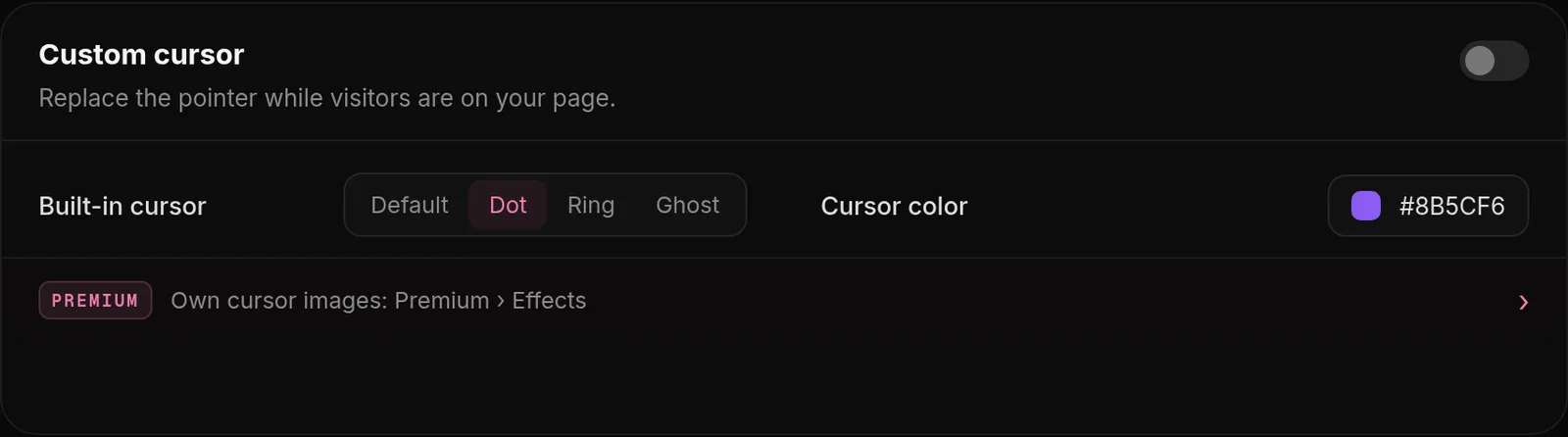
- Open Effects, Custom cursor and turn on the built-in cursor.
- Pick a Cursor color. Visitors now see a round dot in your color that follows their mouse.
- With Premium, upload your own cursor picture under Premium, Effects, Own cursor images, plus a second one for links and buttons. Any image up to 1 MB.
A good cursor picture. Use a square PNG or GIF with a transparent background. It is shown at 32 x 32 pixels, and its middle is where visitors click.
The cursor only shows on computers. Phones and tablets have no cursor.
Custom scrollbar
Profile → Page details
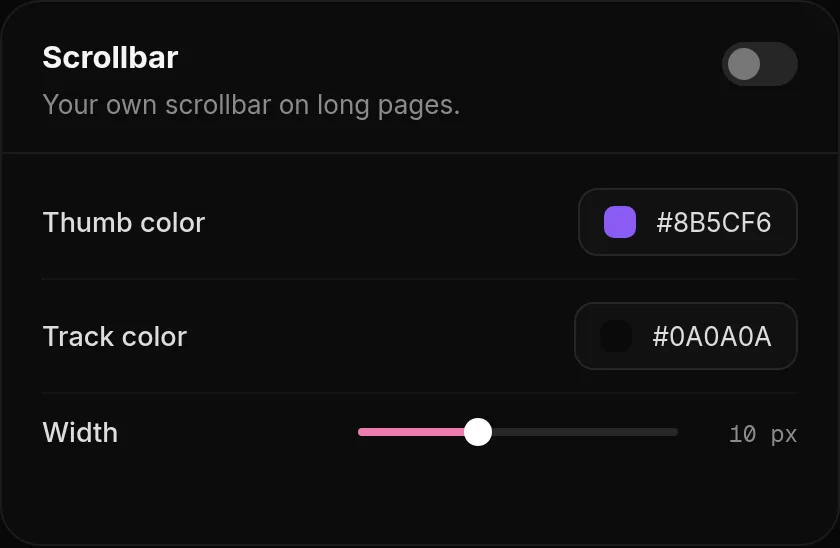
In Profile, Scrollbar, turn it on and set the Thumb color (the part that moves), the Track color behind it and the Width from 4 to 20 px. It shows on long pages, for example with sections below your card.
Click sound
Effects → Clicks
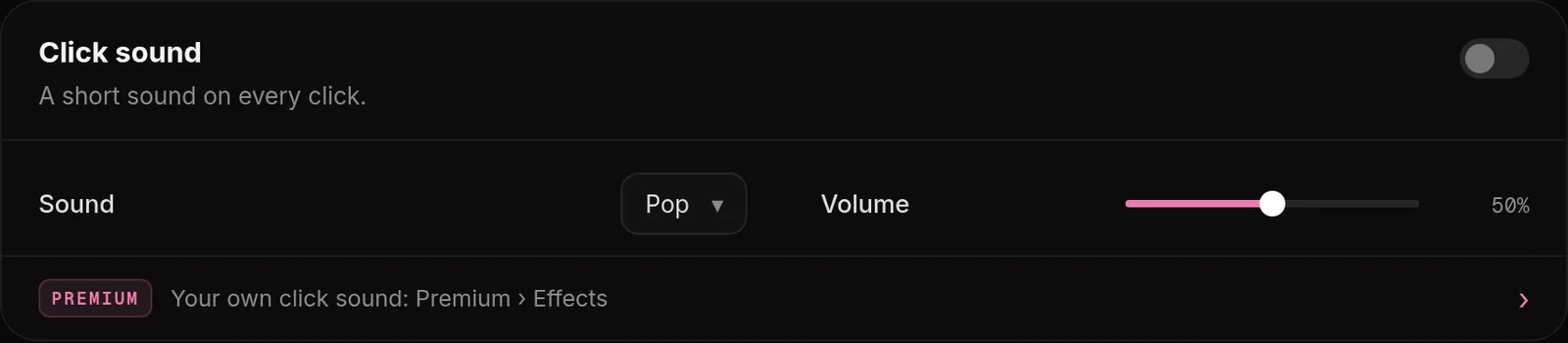
- Upload your sound under Premium, Effects, Own click sound: MP3, WAV or OGG, up to 512 KB.
- Open Effects, Click sound, turn it on and set the Volume.
The sound plays on every click on your page. Keep it short and quiet; a soft click or pop works better than a long sound.
Was this helpful?Updated Oct 22, 2026