 puh.gg
Password, sessions and a forgotten password
Change your password, sign out other devices and reset a password you forgot.
Change your password
Settings → Sign-in
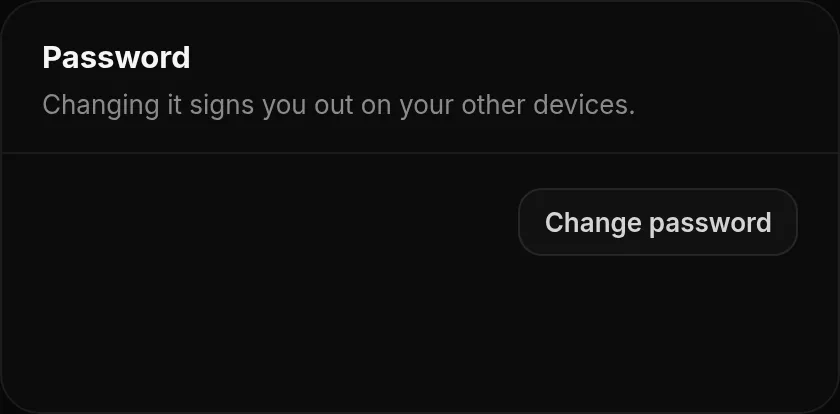
In Settings, under Password, click Change password, enter your current and your new password (at least 8 characters) and confirm. All your other devices are signed out at the same time.
Forgot your password?
- Click Forgot password? on the login page.
- Enter your email address.
- Open the link in the email and choose a new password.
Active sessions
Settings → Sign-in
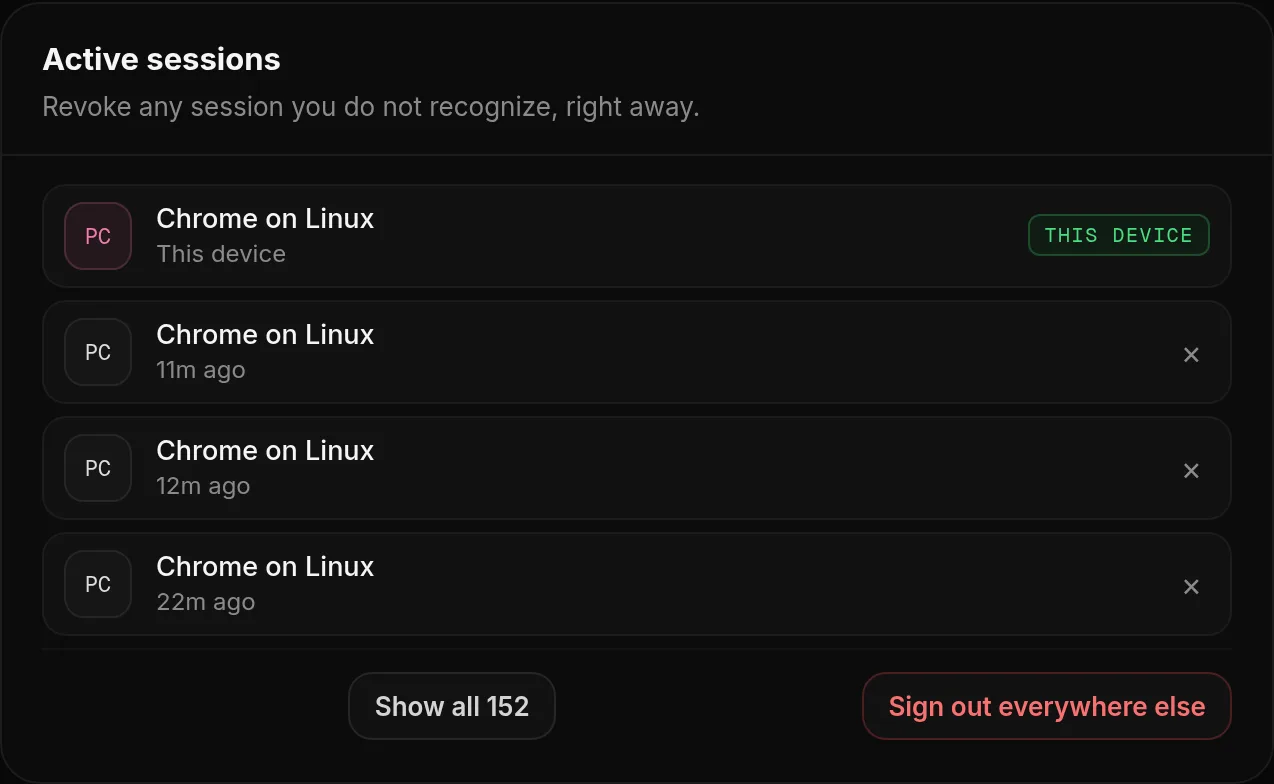
Active sessions in Settings lists every device signed in to your account, with the browser and when it signed in. Revoke any session you do not recognize, right away, or click Sign out everywhere else to end every session except this one.
Someone else got into my account
- Change your password right away. This signs out every other device.
- Check Active sessions and your email address in Settings.
- Turn on two-factor authentication.
- If you cannot sign in anymore, use Forgot password?, or open a Support ticket on our Discord server.
Keep your account safe. Use a password you do not use anywhere else and turn on two-factor authentication. We will never ask for your password or 2FA codes over email or Discord.
Was this helpful?Updated Oct 22, 2026