 puh.gg
Change your email address
Move your account to a new email. You confirm it with a link sent to the new address.
Settings → Sign-in
- Open Settings.
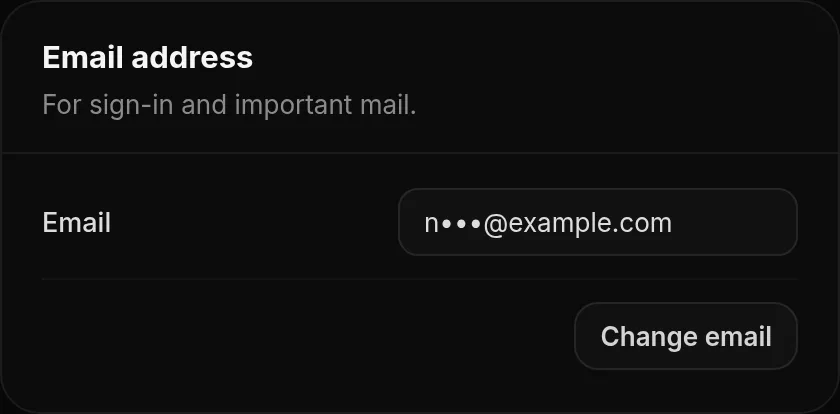
- Under Email address, click Change email, enter the New email and your password and confirm.
- Open the link in the email we send to the new address.
The link works for 1 hour. Your old address gets a notice when a change is requested and again when it is done, so you notice if it was not you. Until you open the link, your old address stays active, and you can cancel the change on the same page.
Address already in use? Every email address can belong to only one account. If the new address is used by another account, the change is refused.
Was this helpful?Updated Oct 22, 2026