 puh.gg
Deactivate or delete your account
Hide everything for a while, or delete your account for good after 7 days.
Settings → Your data and account
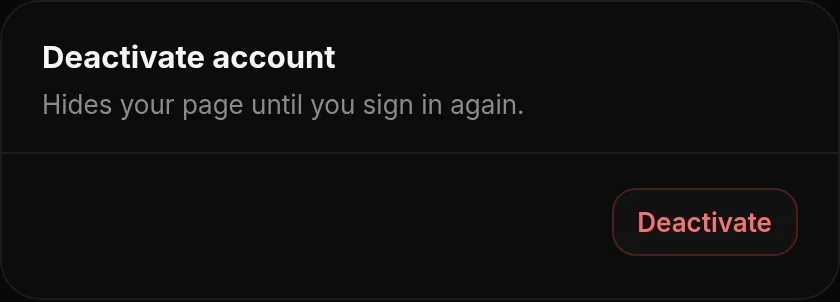
| Deactivate | Delete | |
|---|---|---|
| Your page | Hidden from everyone | Hidden, then deleted |
| Your data | Nothing is deleted | Everything is deleted: profile, uploads, pastes, comments and badges |
| Coming back | Any time, click Reactivate | Within 7 days, click Cancel deletion |
- Open Settings and scroll to Your data and account.
- Choose Deactivate account or Delete account and confirm with your password. Deleting also asks you to type your username.
While your account is deactivated or waiting for deletion, a bar at the top of the dashboard shows it, with a button to undo.
After 7 days it is final. A deleted account cannot be restored. Your username becomes free for others. Download your data first if you want to keep a copy.
Was this helpful?Updated Oct 22, 2026