 puh.gg
Wallet: top up and pay at once
Put money in your wallet, get up to 20% bonus on bigger top-ups, and pay for anything in the shop with one click.
- Open Wallet & billing.
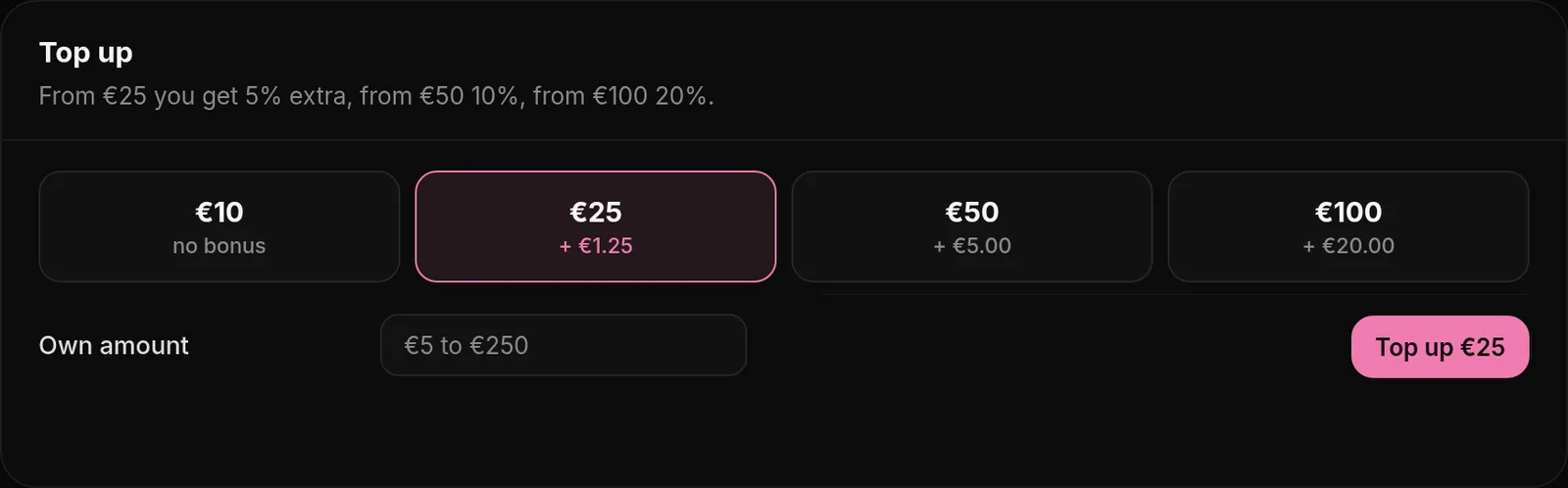
- Under Top up, pick one of the amounts or type your own, from €5 to €250. The card shows what you get with the bonus.
- Click Top up, tick the box to agree to the Terms and pay with card or crypto. The money is in your wallet right after the payment.
Bonus
Wallet & billing → Wallet
| Top-up | Bonus | Example |
|---|---|---|
| €5 to €24 | none | €10 gives €10 |
| €25 to €49 | +5% | €25 gives €26.25 |
| €50 to €99 | +10% | €50 gives €55 |
| €100 to €250 | +20% | €100 gives €120 |
The bonus is rounded down to the cent and appears as its own line in the activity list under Your balance.
Paying from the wallet
At checkout, Pay from wallet shows your balance. It works for every product in the shop, also when you buy it as a gift. Donations and top-ups need card or crypto. If the balance is not enough, the button says so; pay by card or crypto instead, or top up first.
Good to know
Wallet & billing → Wallet
- Your balance does not expire.
- Wallet money cannot be paid out or sent to another user. Use it in the shop.
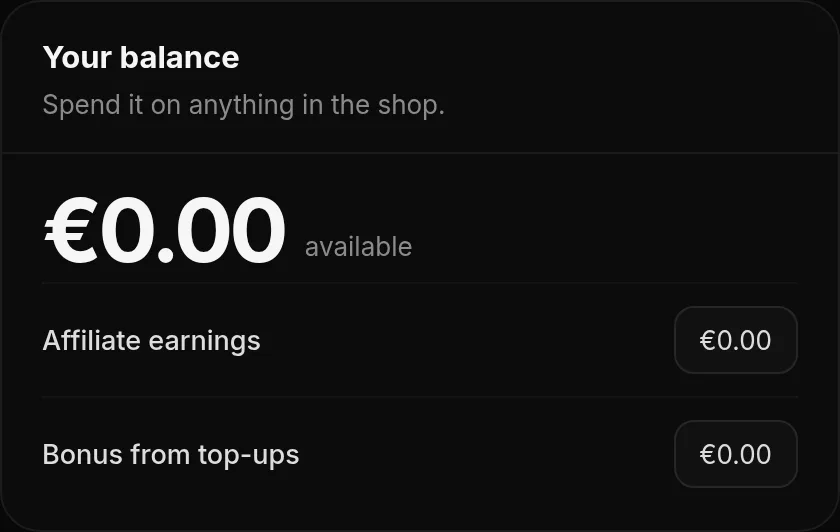
- The activity list under Your balance, More options, shows every change: top-ups, bonus, purchases and affiliate earnings.
- Friends who use your affiliate code earn you 5% of what they pay, straight into your wallet. See Affiliate.
- Top-ups count toward your Donator level without the bonus. Things you pay from the wallet do not count again.
Was this helpful?Updated Oct 22, 2026