 puh.gg
Affiliate: share your code, earn and get rewards
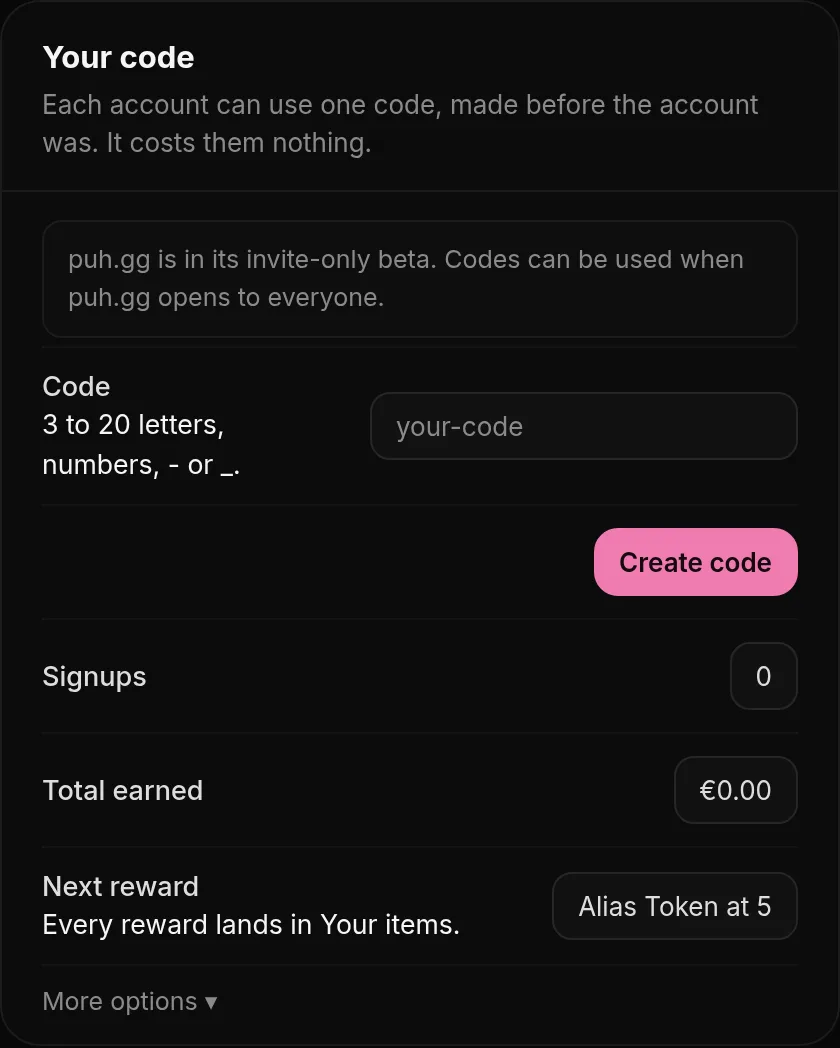
Friends enter your code. You get 5% of what they spend as wallet credit, plus Alias Tokens, a custom badge, Premium and Verified.
Wallet & billing → Affiliate
- Open Wallet & billing.
- Under Your code, pick a code (3 to 20 lowercase letters, numbers, - or _) and click Create code.
- Copy it and send it to friends or put it in your bio. They enter it when they sign up, or later in their own Wallet.
You can rename or delete your code at any time. The old code stops working at once; people who already use it stay yours.
5% as wallet credit
When someone who uses your code pays by card or crypto for something in the shop or tops up their wallet, you get 5% of that amount in your wallet. Donations, wallet spending and the top-up bonus do not count.
| Signups | Reward |
|---|---|
| 5 | Alias Token |
| 15 | Custom Badge |
| 30 | Premium |
| 50 | Verified |
Each reward is given once, automatically, into Your items. Use it yourself or gift it.
Using a code
Wallet & billing → Your items and codes
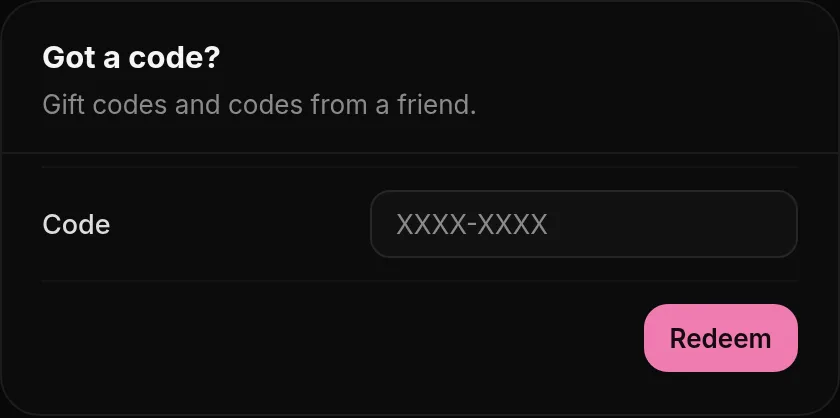
Got a code from a friend? Enter it in the optional code step when you sign up, or in Wallet under Got a code from a friend?. Each account can use one code, once, and it costs you nothing.
What counts
Wallet & billing → Affiliate
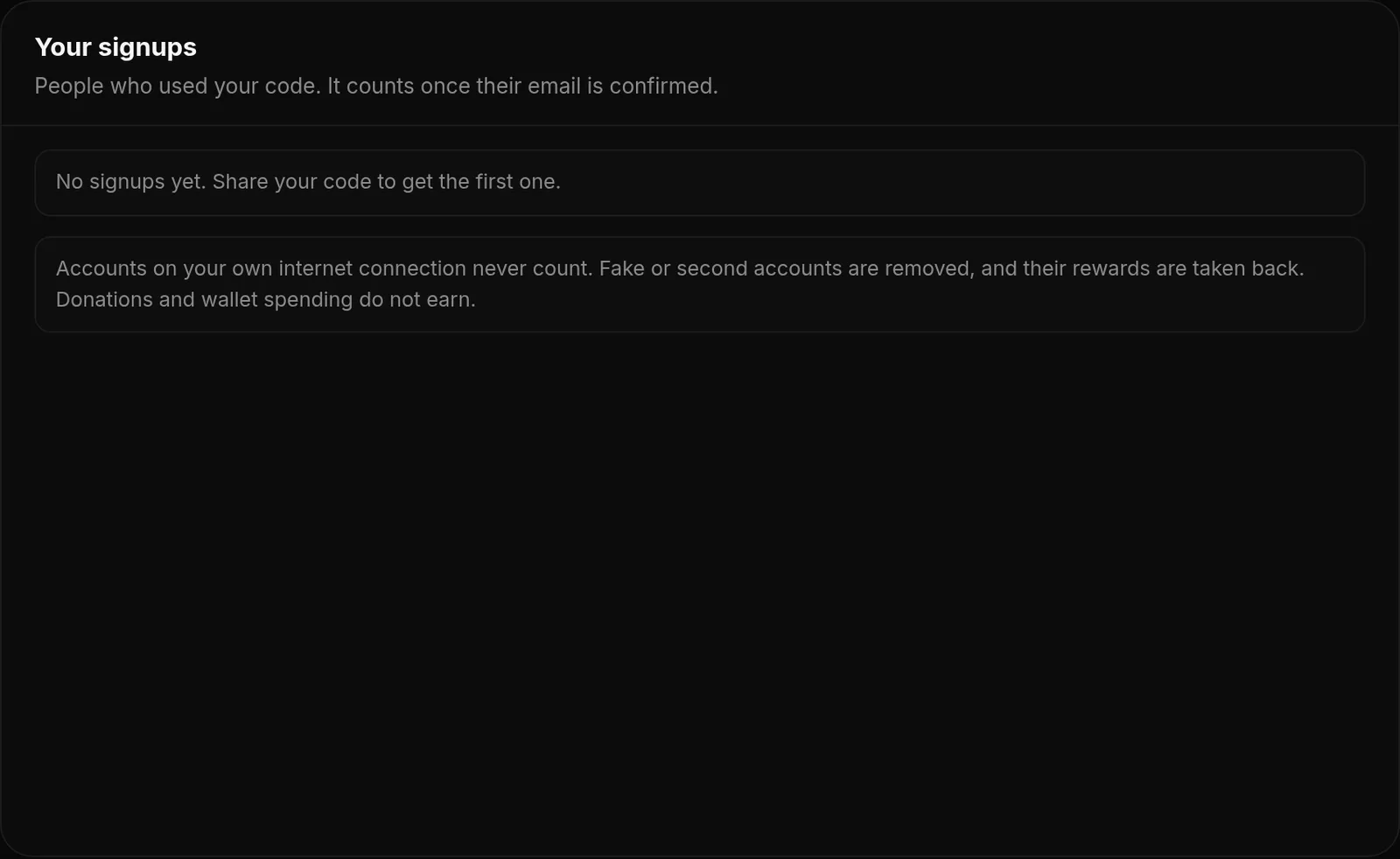
- A code only works for accounts made after its owner created their first code. Renaming, deleting and making a new code keep that first date.
- A signup counts once the new account confirms its email.
- Accounts on your own internet connection never count.
- Fake or second accounts are removed, and rewards and earnings from them are taken back.