 puh.gg
Gifts and gift links
Give a product to someone by their name, or send a link that the first person to open it can claim.
Wallet & billing → Your items and codes
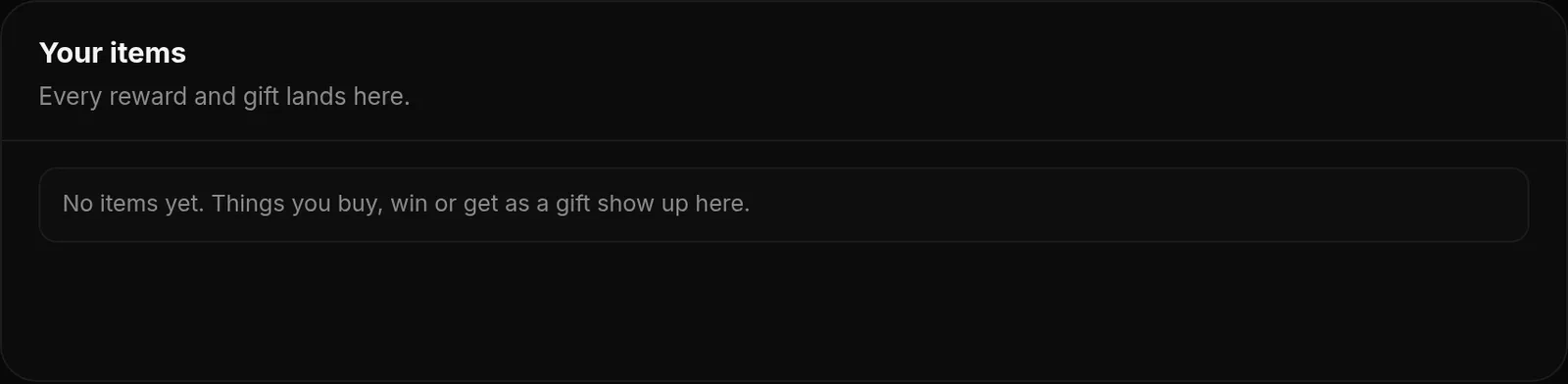
Anything you buy can be a gift. Open Your items in Wallet & billing, click Gift next to the item and pick one of two ways.
| Way | How it works |
|---|---|
| Gift it to a user | Type their puh.gg name. It lands in their items right away and they get an email. This cannot be taken back. |
| Create a gift link | Send the link anywhere. Whoever opens it first and claims it gets the product. Until then, you can take it back in Your items. |
Claiming a gift link
- Open the link. It shows what the gift is and who sent it.
- Sign in, or create an account first and then open the link again.
- Click Claim gift. The product goes into Your items, where you can use it right away or keep it for later.
You can also claim a gift link on our Discord with /gift claim.
One link, one person. A gift link works exactly once. If two people open it at the same moment, only the first one gets it. The other sees This gift is gone.
Giving gifts earns the Gifter badges, see Badges.
Was this helpful?Updated Oct 22, 2026