 puh.gg
Views and analytics
Who visits your page: views over time, link clicks, countries, devices and sources.
Analytics → Overview
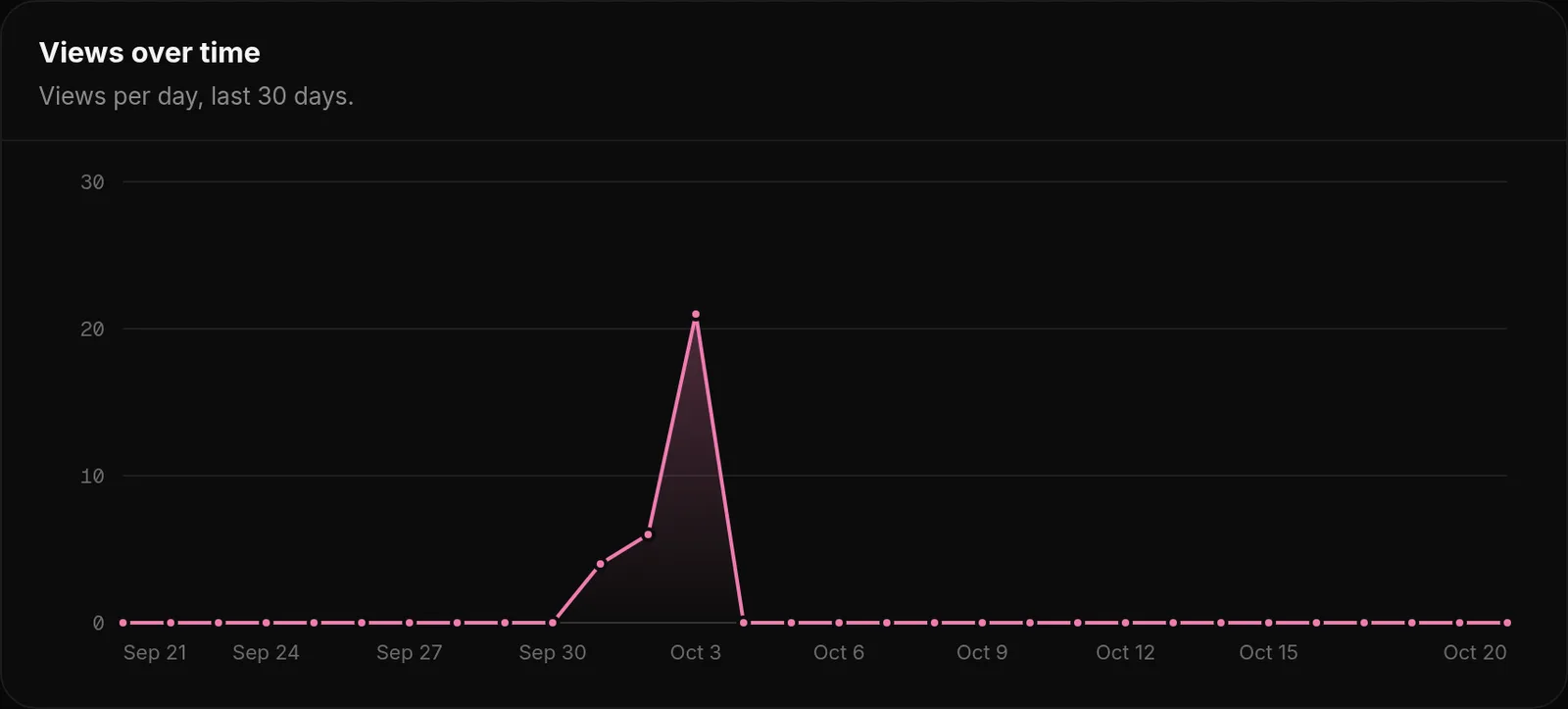
Open Analytics to see how your page is doing. Everything covers the last 30 days unless it says all time.
| Part | What it shows |
|---|---|
| Tiles | All-time views, views in the last 30 days compared with the 30 days before, and total link clicks with the click rate. |
| Views over time | A chart with your views per day. |
| Clicks per link | Which of your social links visitors click the most. |
| Visitors by country | Where your visitors come from, based on Cloudflare's country header. |
| Top sources | How visitors reached you: your username directly, one of your aliases or another site. |
Likes and new comments are on your dashboard Home.
How views are counted
Analytics → Clicks and countries
- A view counts when a real browser shows your page for a few seconds.
- Each visitor counts once per day, so refreshing does not add views.
- Your own visits while signed in do not count.
- Bots, scripts and bought traffic are filtered. Artificial views can be reset by the team, and badges earned with them removed.
Views also unlock the view badges: Seen (100), Rising (1,000), Viral (10,000) and more, and the most viewed pages of the day, week, month and all time get the Top views badges. See Badges.
What we store about visitors
We store the day of a visit, the country, the device type and which address was used. We do not store visitor IP addresses in your analytics and do not show you who visited.
Why are my views lower than expected?
- Visitors who close the page within a few seconds are not counted.
- Several visits from the same person on the same day count once.
- Link previews in Discord or other apps are not visits.
- Your own visits never count, even from another browser while signed in.
Was this helpful?Updated Oct 22, 2026