 puh.gg
Pastes and short links
Share text or Markdown under a short link, and shorten long links with your own ending.
Pastes
Image host → Upload settings → Pastes
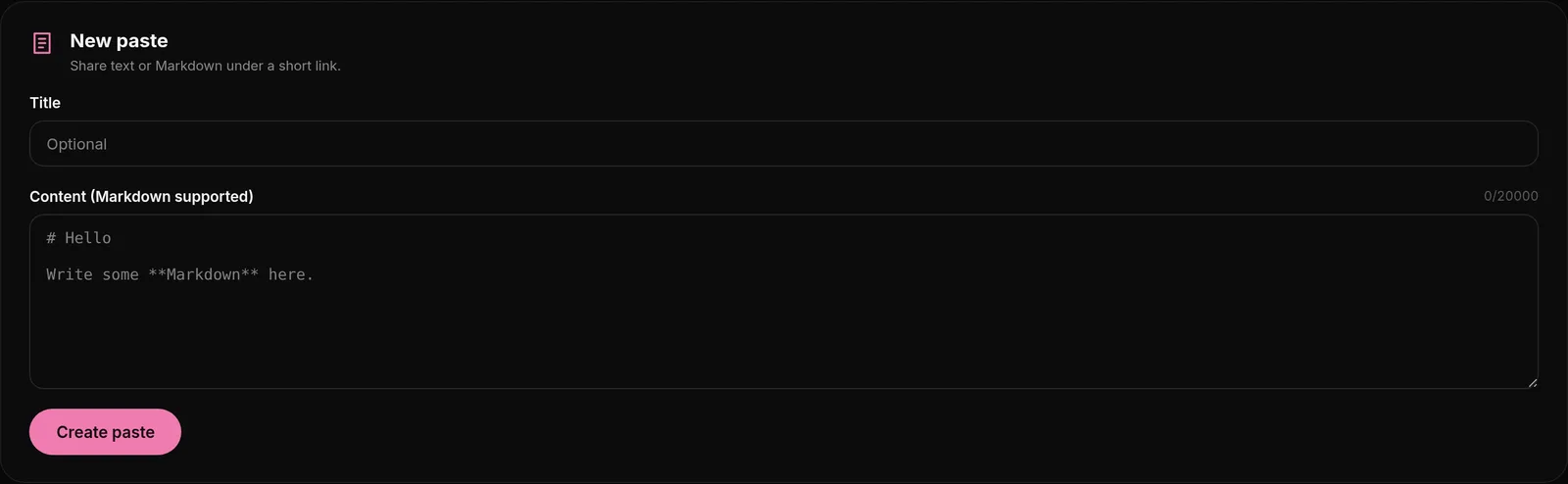
- Open Image host, Upload settings, then Pastes.
- Under New paste, add an optional title and your text. Markdown is supported.
- Create it and share the link. You can keep up to 50 pastes with up to 20,000 characters each.
Your pastes lists them all with a search. Delete pastes you no longer need to make room for new ones.
Short links
- Open Image host, Upload settings, then Shortener.
- Paste the long link. Optional: a Custom ending like
discord(3 to 32 letters, numbers, - or _) and when it Expires: never, after 1 day, 7 days or 30 days. - Create it. Your short link is ready and can be copied.
You can make 100 short links a day, 250 with Premium. Custom endings are first come, first served.
Short links can also be made from ShareX with the puhgg-shortener.sxcu config, see ShareX setup.
Was this helpful?Updated Oct 22, 2026